To View Company Preferences:
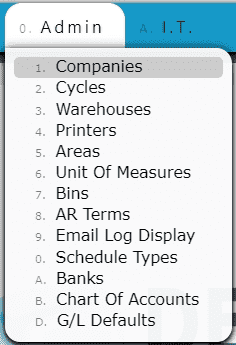
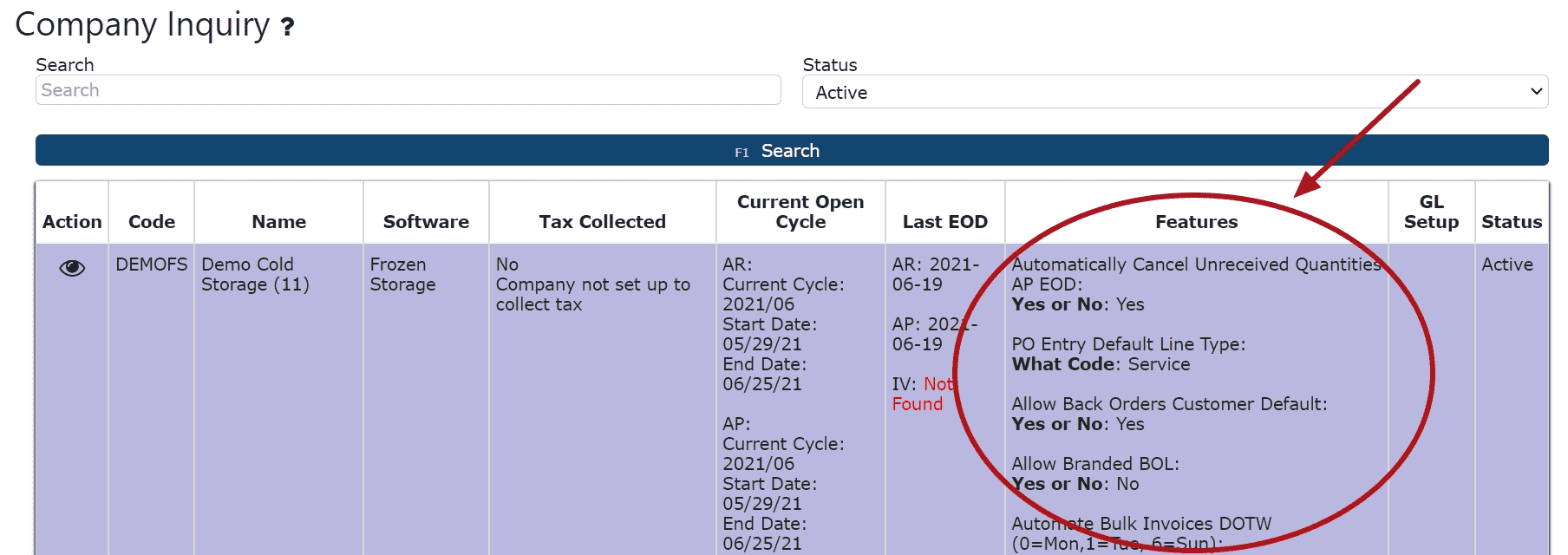
Note: Company-level preferences will affect the entire company's use of the system, and is setup and maintained by I.T. Contact I.T to make any changes.
What Company Preferences Can Control
• Automation of frequent tasks
Examples include auto-creating invoices, defaulting warehouse or ship-via selections, auto-applying payment rules, or enabling automated emails for statements, POs, or bulk documents.
• Default behaviors across workflows
Companies can determine how sales orders default, how purchasing behaves, or how system rules apply during receiving, picking, putaway, billing, and other operational processes.
• System-wide validations and restrictions
Preferences can enforce rules that prevent incorrect accounting dates, block duplicate entries, require specific fields, or limit actions based on user role.
• Warehouse & WMS configuration
Options may control scanning behavior, pallet/lot handling, inventory allocation, picking strategies, cold storage workflows, and order-staging processes.
• Financial & accounting functionality
Settings influence AR and AP processing, payment applications, statement generation, credit workflows, inventory valuation, and posting rules.
• EDI & communication settings
Preferences determine how inbound/outbound EDI transactions behave, how documents are formatted, and whether automated email or notification processes send specific documents.
• Document generation & email defaults
Preferences also govern default forms, document layouts, and which documents automatically print or email during sales, purchasing, AR, AP, and WMS operations.
Important Note
Company-level preferences affect the entire organization and should only be updated by your IT department or an authorized system administrator.
If a change is required, please contact IT to ensure the update is reviewed and implemented properly.